A personal website with a proper blog sounds like something that comes with a stack of monthly bills. Hosting, a content management system, image storage, maybe another subscription to make pages look good when someone shares a link. It can feel like you need to choose between a simple site you can afford and a useful one you actually enjoy updating.
That was the question behind boypanjaitan.com. I wanted a place for my work, articles, and projects that felt like my own. I also wanted a blog I could keep using without turning every new feature into another recurring expense.
So far, the domain is the only bill I have paid for the site. That’s my experience with this particular setup, not a promise that every website can run for the price of a domain. The site took time to build, and it still takes time to maintain. But its running costs have stayed small because the services it uses include no-cost usage allowances that fit its current traffic.
What does the blog actually do?
From a reader’s perspective, it’s straightforward: open an article, read it comfortably, and share it. Behind the scenes, there’s a private editor where I can write and update posts, save drafts, preview them, and add cover images. I can prepare a post before making it public instead of editing a live page and hoping it looks right.
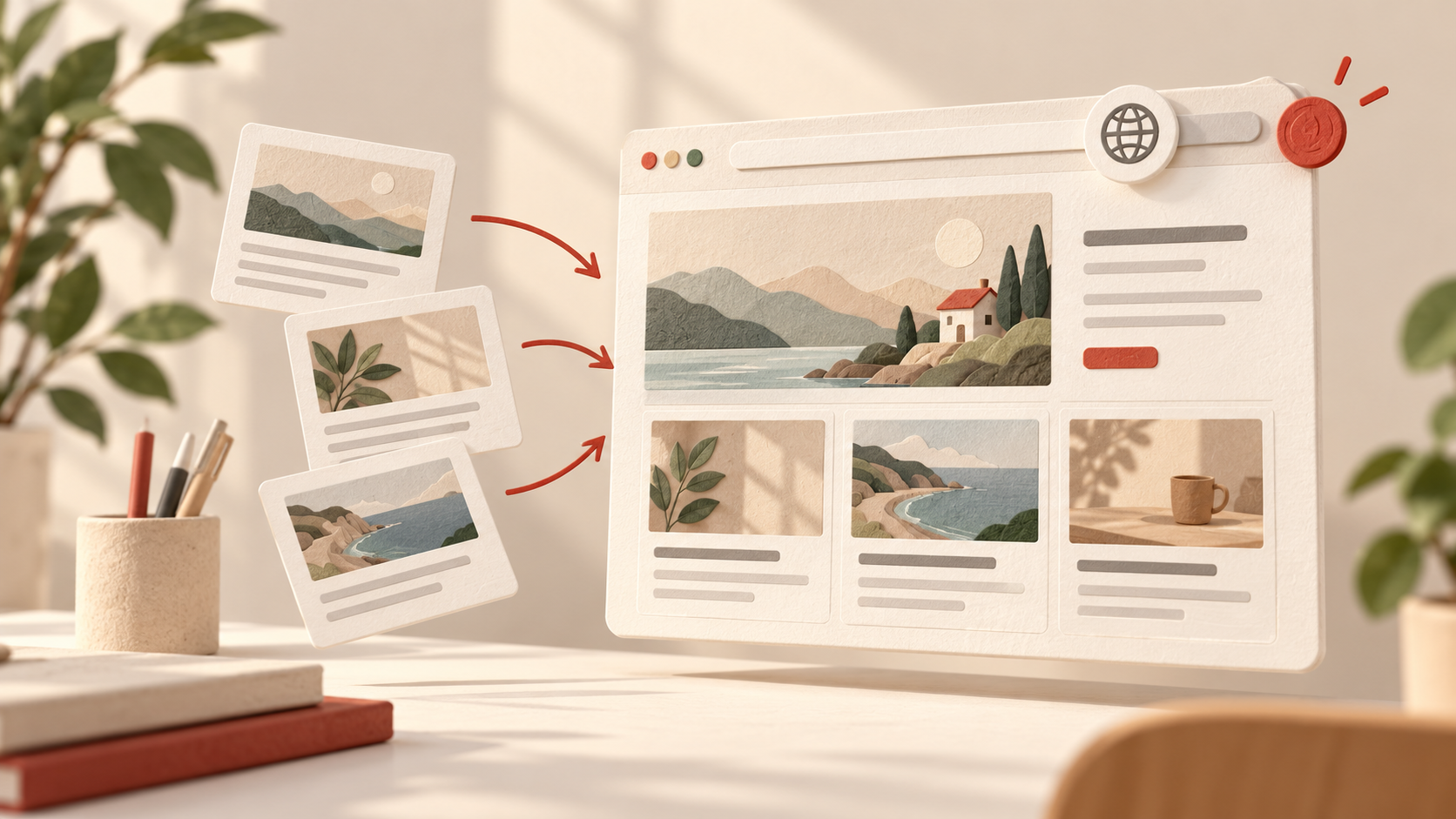
Published articles also get their own pages. The site generates those pages during deployment, along with a sitemap and metadata that help search engines understand them. When someone shares an article, its title, description, and cover can appear in the link preview. Those details may sound small, but they make a personal blog feel complete and make each post easier to discover and share.
How does it stay affordable?
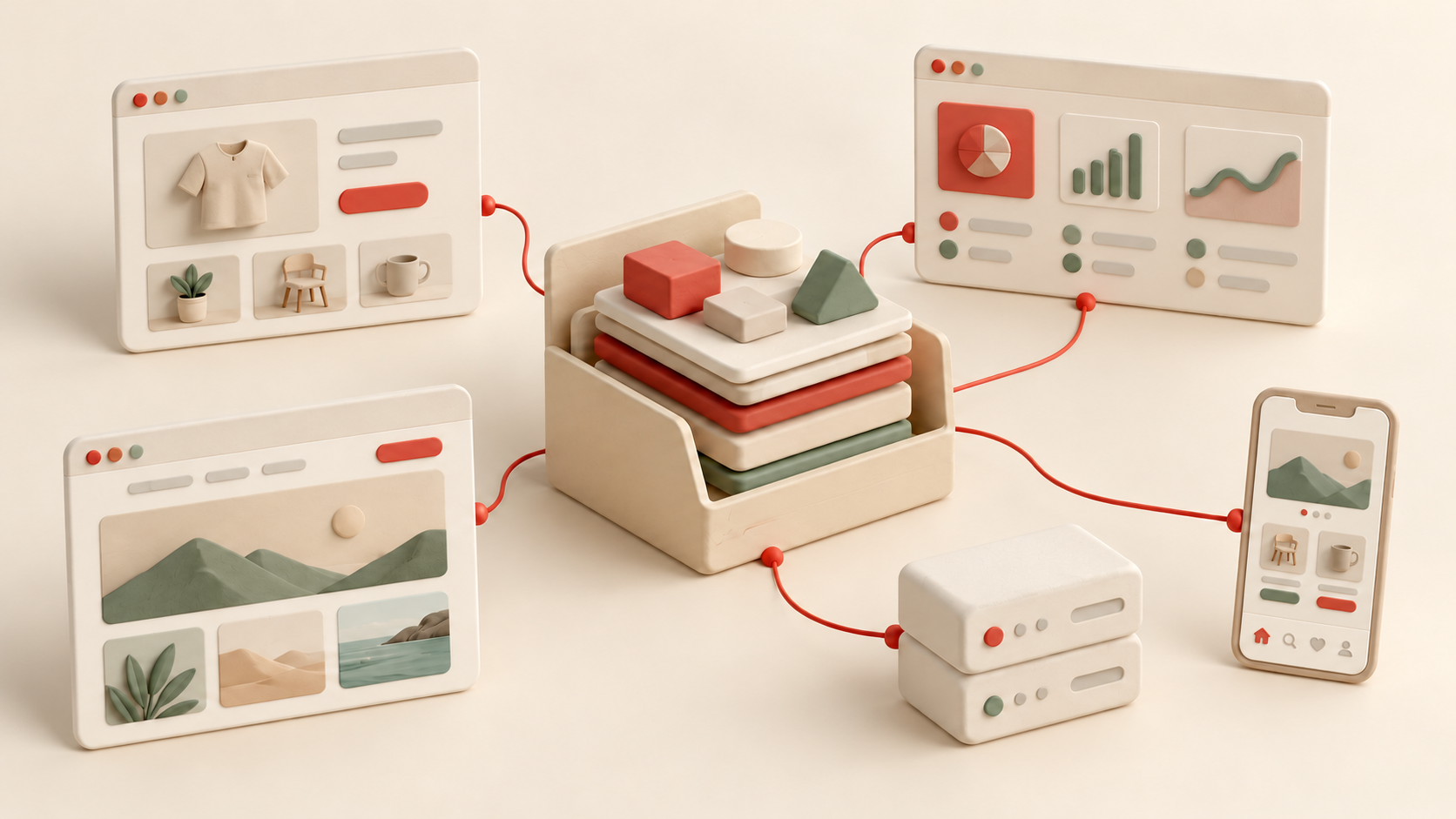
The public site runs on Firebase Hosting. Article content is managed with Cloud Firestore, while Cloud Storage holds images. Published articles are prepared as pages when the site is built, so the public blog doesn’t have to request each article from the database every time a visitor opens it.
Each service has its own pricing rules. Firebase Hosting and Firestore offer no-cost usage allowances, and Firebase publishes the current details on its pricing page. That’s useful for a small personal site, but it doesn’t mean the services are free at any scale.
There’s another detail worth being open about: Cloud Storage for Firebase requires the Blaze pay-as-you-go plan. No-cost usage is still available on that plan, which is why it hasn’t added to my bills so far. If usage goes beyond the applicable allowances, though, charges can appear. “Only paying for the domain” describes my bills to date, not a fixed price or a lifetime guarantee.
The other cost is time. A custom site gives me control over how the blog looks and works, but I have to build features, check that deployments work, and keep an eye on usage. Learning to do that has been part of the project for me.
You can start much smaller
You don’t need to copy my setup to make a website on a small budget. Start with one question: what must the site do right now? If you need a home page and a few articles, build those first. A good domain, readable pages, and a way to publish consistently matter more than a long feature list.
Then choose tools that cover those needs. Check what’s included in each service’s no-cost allowance, what requires a billing account, and what happens when traffic grows. If you use a pay-as-you-go service, monitor its usage and set budget alerts. That small habit helps keep an affordable project predictable.
A blog can grow with you. You might add a better editor, cover images, search-friendly pages, or other features later, once you know they’re useful. My site grew that way. Its blogging features reflect the things I wanted to use, added over time.
Building a personal website is more accessible than it used to be. You still have to make choices and put in the work, but you don’t need a large monthly budget to create something worth sharing. If you’ve been waiting for the “right” time or the “right” budget, start with a small version of your idea. You can make it better as you go.